
Every Guest Reply, in Your Brand’s Voice.
Set your tone, words, and guardrails once. Every AI-drafted reply, at every location, sounds like you.
Trusted by 250+ leading brands. Included with your Tattle subscription.



Google review, delivery
Fries were cold and soggy by the time I got home. Burger was great though.


Trusted by 250+ leading brands around the world.
- 5 min
- To Set Up, Once, For Every Location
- 5+
- Hours Saved Per Operator Per Month
- 70+%
- Faster Replies to Guests
One Voice, Every Channel
Tattle drafts the reply in your voice, and your managers review and send it, the same way they do today. Automated replies in your brand voice are coming soon.
- Tattle Surveys
- Online Reviews
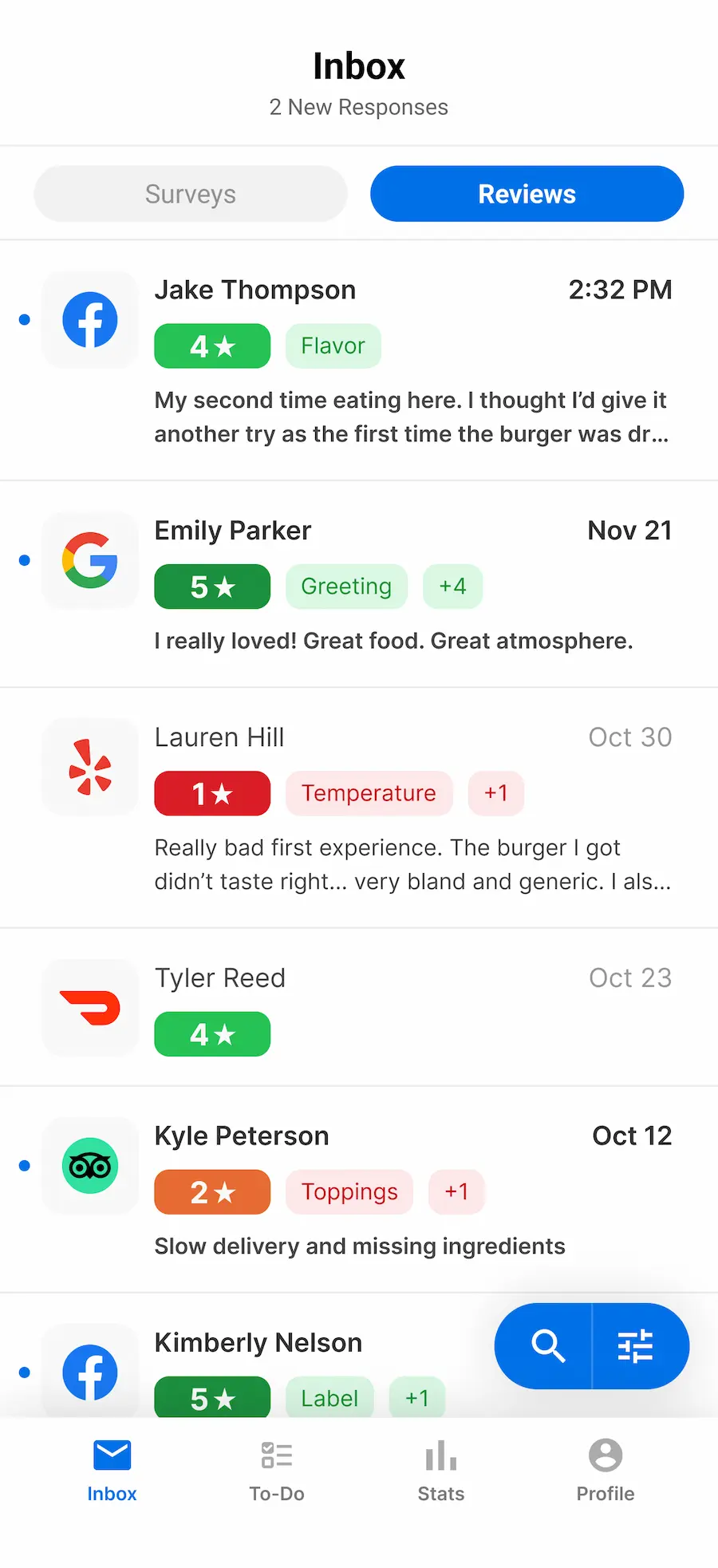
- Dashboard and Mobile App
- Automated RepliesSoon
Your Guests Can Tell When a Bot Wrote It
Generic AI replies can save your managers time. But guests can tell no one really read their feedback, and that trust is hard to win back.

“Meh. Not what it used to be.”
No reply yet
Waiting 6 days, with the rest of this week’s inbox
Silence is a reply too. It says nobody read it.
Set It Up Once. Every Location Gets It.
You make a few simple choices, and Tattle’s AI does the hard part. One admin can set it up in a few minutes, and your managers don’t need any training.
Step 1
Build Your Personality
Choose where your brand sits on five dials: Formality, Tone & Humor, Empathy, Expressiveness, and Apology Stance. Start from proven defaults and adjust only what you want.
Step 2
Add Your Words and Rules
Tell the AI the words and stories that define your brand, plus your rules and guardrails. Tattle works them into each reply naturally, so it reads like your team wrote it.
Step 3
Test and Go Live
Test your brand voice against real scenarios, then apply it with confidence to every AI reply at every location.
Word Swap
Words to Avoid
- cheap
- bargain
- worker
- no worries
- per our policy
Brand DNA
Emphasize that our dough is made fresh daily.
Your Words. Your Story. In Every Reply.
The words you use, the words you never use, and the story only you can tell, carried into every reply from every location.
- Word Swap
- Swap generic words for your own, like “team member” for “employee,” once. Every location follows them in every AI reply, with no reminders to GMs.
- Words to Avoid
- List the words and phrases that don’t fit your brand, and the AI will leave them out of every reply it writes.
- Brand DNA
- Fresh dough daily, family-owned since ’87… whatever makes your brand unique, add it once so replies reflect it.
Be as Bold as You Want. The Guardrails Hold.
Six protections run on every reply, no matter how cheeky your voice is. Style never overrides safety.
- Six built-in guardrails cover compliance, liability, safety, and inappropriate content on every reply.
- Add your own rules once, and every location follows them.
- Sensitive complaints get empathy and a handoff to your team, not an admission of fault.
Order was wrong and cold. I want my money back.
Hey Devon, thanks for telling us, and sorry about tonight.
Something clearly went wrong with your order, and we want to understand what.
Our team would love to make this right. Reach us at guestcare@yourbrand.com.
Come back and let us show you how it’s supposed to go 🙌

My Brand Voice
Live at 212 locations
Tattle Default
Always there as a backup
- Tested on 5 scenarios
- Survey and review replies previewed
- Edits go live everywhere, instantly
See Every Reply Before Your Guests Do
Test it on the hard cases first. Turn it on when you’re sure. Change it any time, and it updates everywhere.
- Five scenarios, from Happy 5-Star Guest to Threatening 1-Star Guest. If it handles the threat well, it handles everything.
- Preview both the private survey reply and the public review reply. Something off? Jump back to the dial and fix it.
- One click to go live at every location. Edits apply instantly. Tattle Default is always there if you ever want to switch back.
AI Brand Voice FAQs
Yes. It's included with your Tattle subscription at no extra cost. Online Review replies require Reputation Management.
No. A manager taps Generate AI Reply, reads the draft, edits if they want, and hits Send. You stay in control of every word a guest sees. Automated replies in your voice are coming soon.
Six built-in protections run on every reply, plus any rules you add. Safety always comes before style, no matter how bold your voice is.
The manager edits it before sending. And if a pattern is off, an admin fixes the setting once and every location updates instantly.
No. One admin sets it up once, and every location uses it. No per-location setup, no manager training.
Any time. Edits go live instantly across every location, and Tattle Default is always there if you want to switch back.
About five minutes for most brands. You pick your personality, add your words and rules, test it on five scenarios, and turn it on.
Admins, in Account Setup on desktop. Managers don't need access; they just see better drafts.
Every AI reply to Surveys and Online Reviews, in the Tattle dashboard and the mobile app inbox.
English and Spanish today, with more languages coming soon.
Next Up