
Beginner
1 min read
8/24/2025
Add New Users
1. Open Management Team
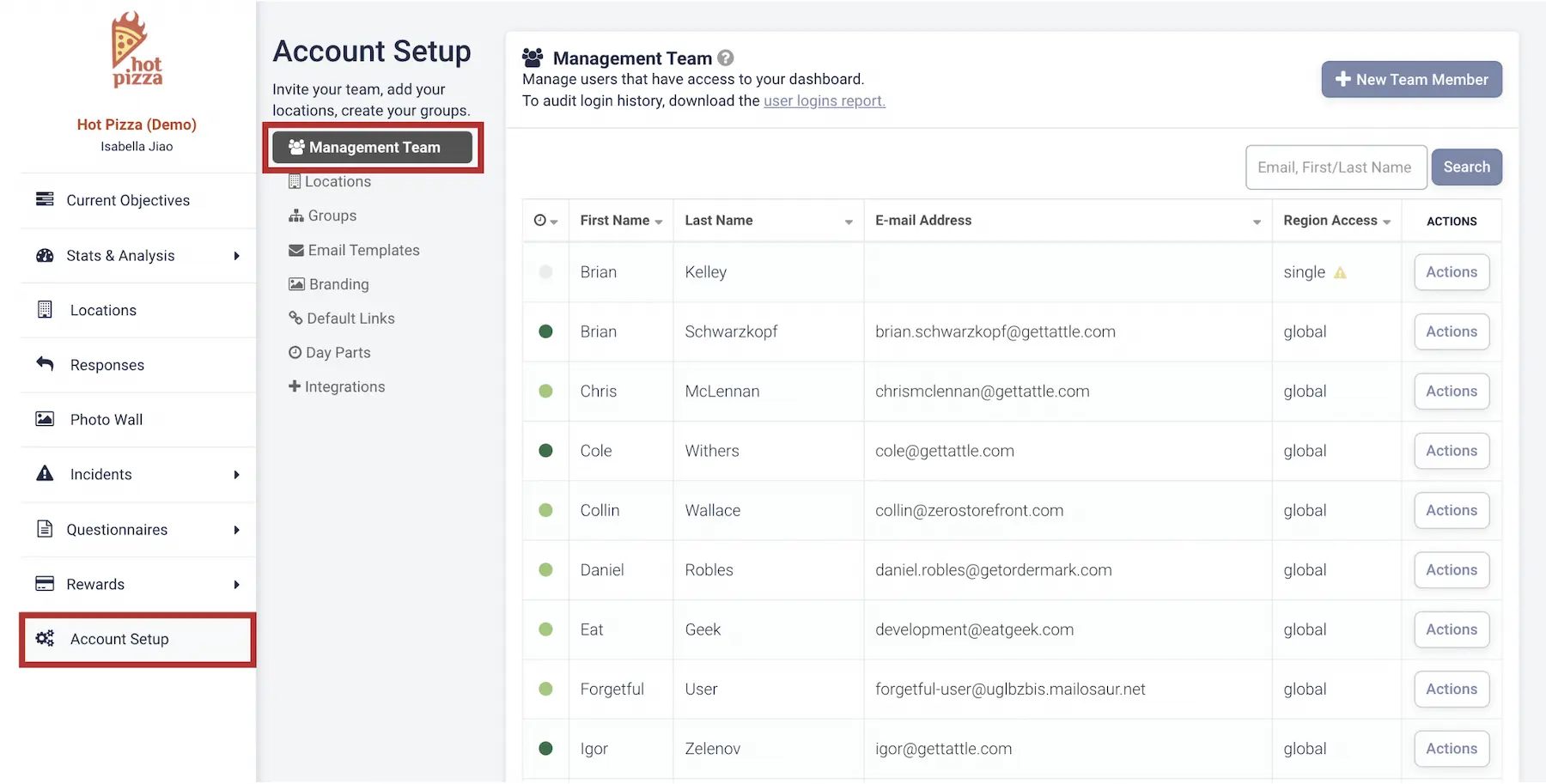
Click on the Account Setup tab in the left menu, then select Management Team.
2. Add a New Team Member
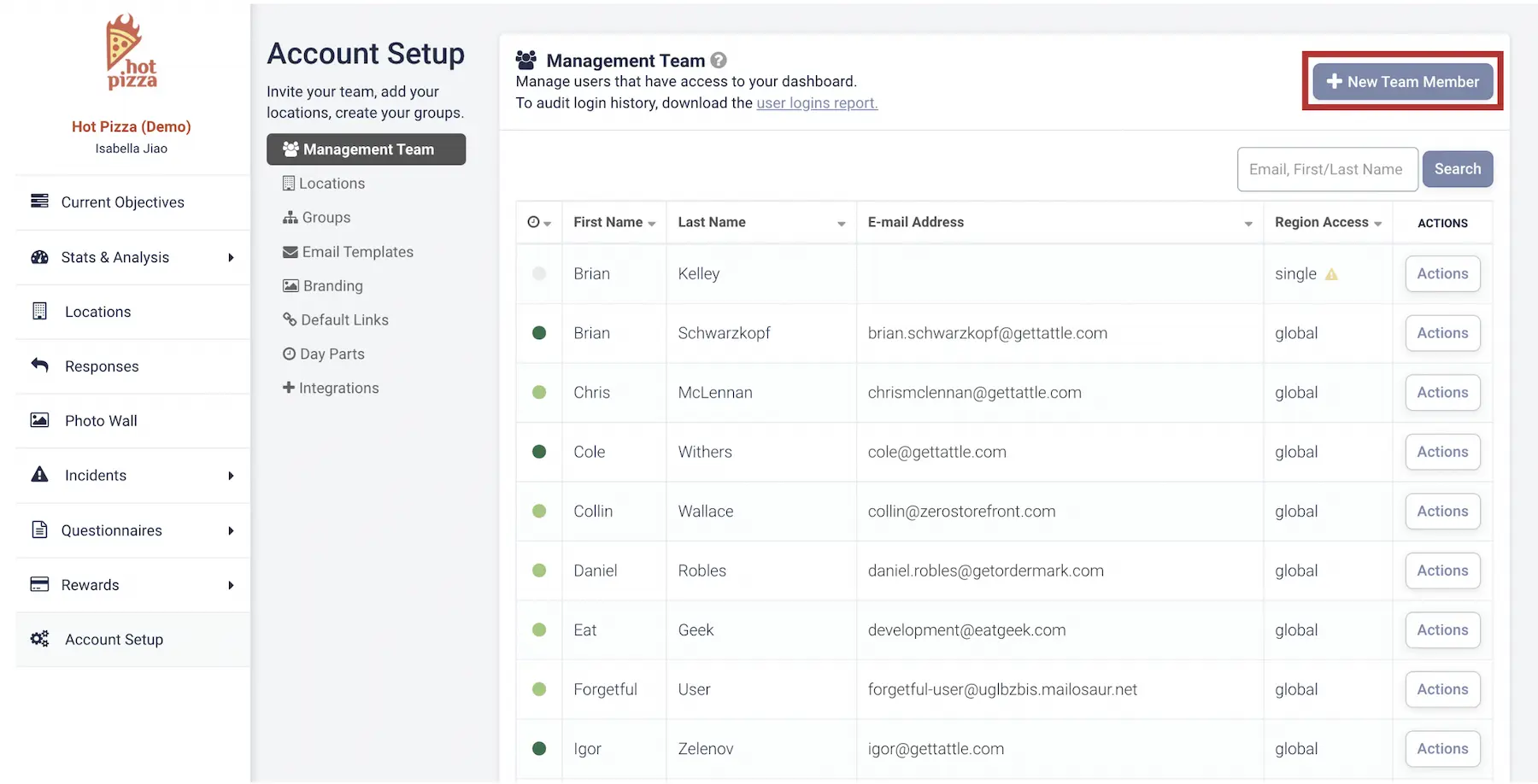
Click + New Team Member in the top-right corner to open the popup window.
3. Enter User Details
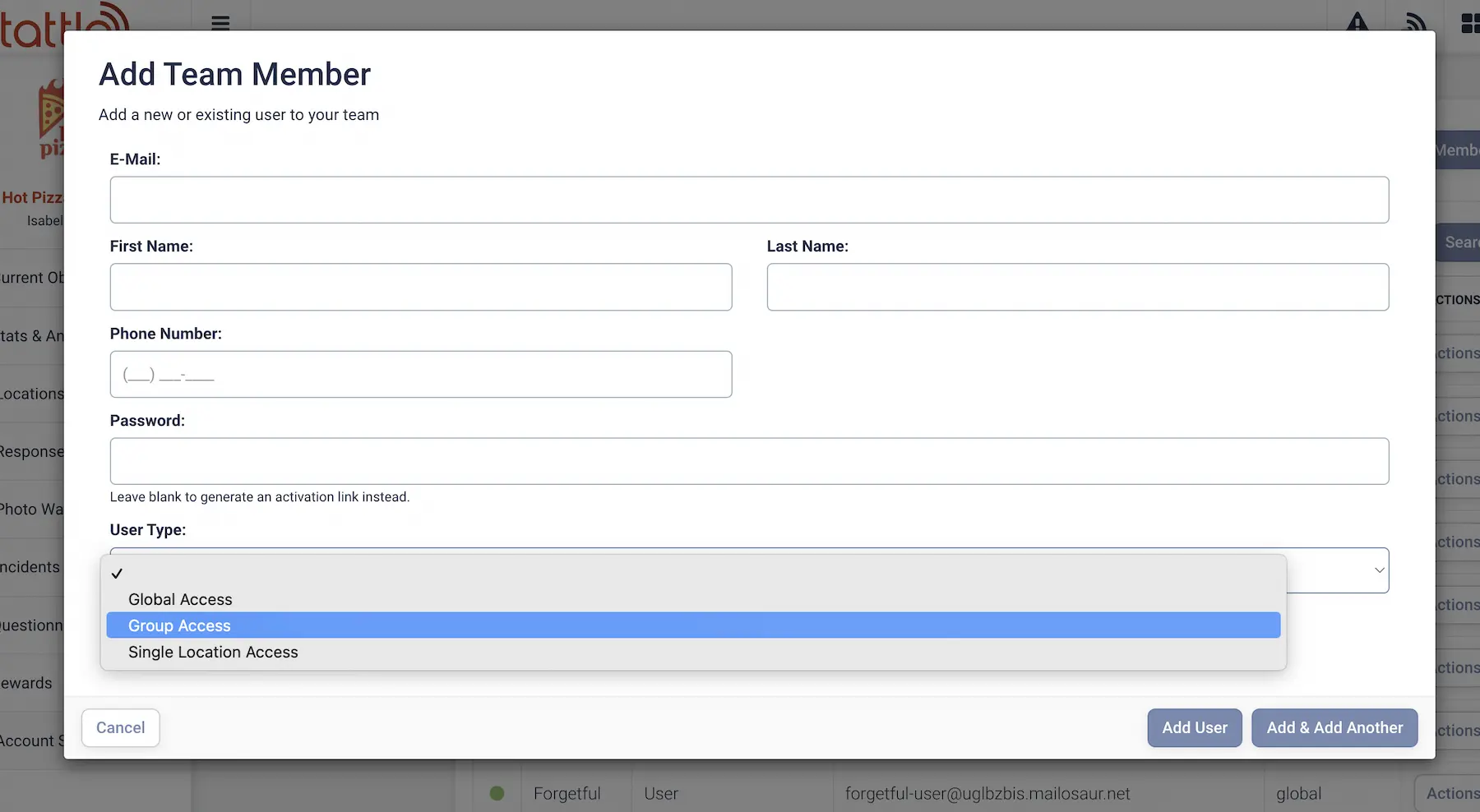
Fill out the user’s information:
- Email Address
- Name
- User Type (determines access level)
User Types
- Global User: Access to all locations under your brand. Best for executives and ownership groups.
- Groupable User: Access to multiple locations. Best for District Managers or Franchise owners.
- Single Location User: Access to one location only. Best for General Managers or individual Franchisees.
4. Edit Existing Users
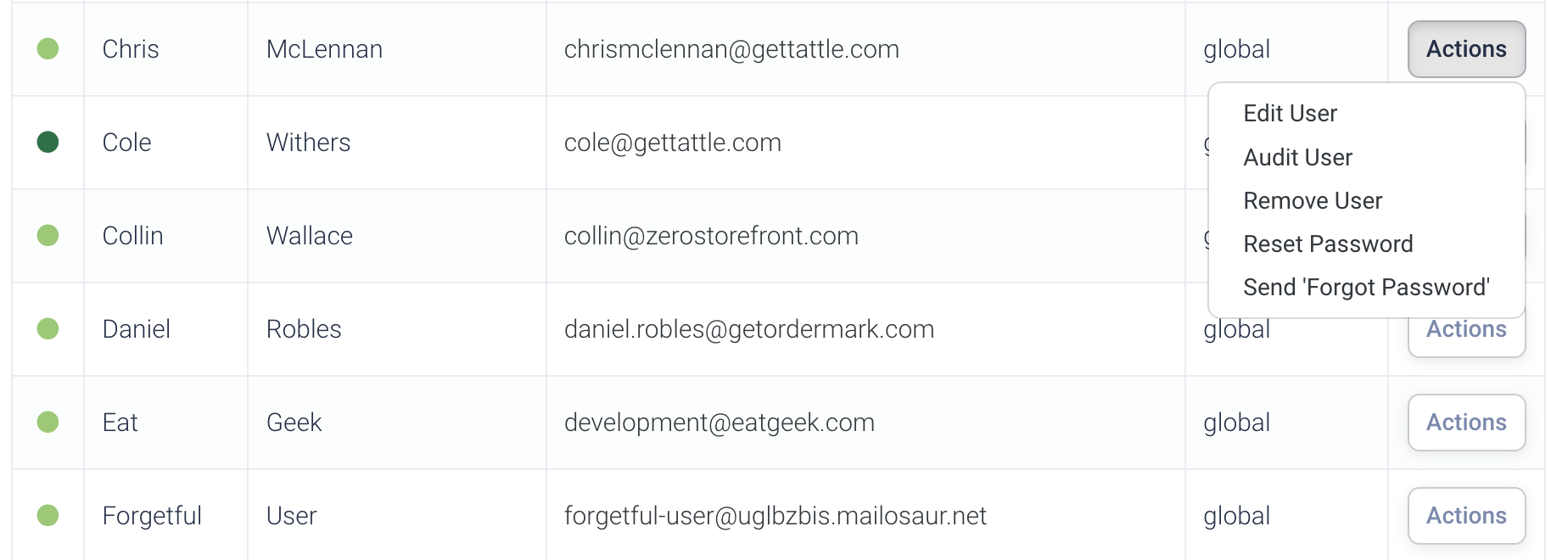
To update a user’s information, click Actions next to their name and select the option you need.
You've completed 0 of 9 articles in this category